
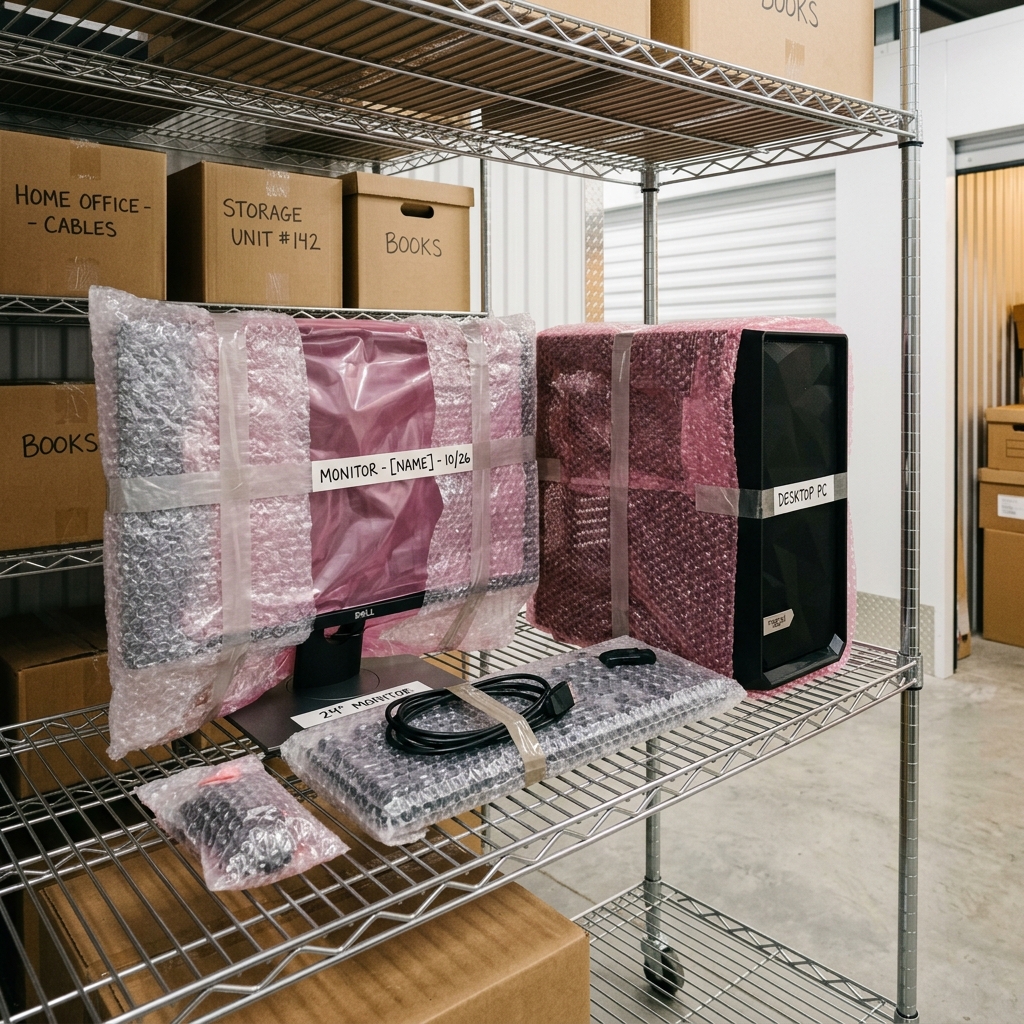
How to Store a Computer in a Self-Storage Unit?
Storing your computer in a self-storage unit requires some planning to ensure its safety and longevity. Here are some tips to help you protect your computer while in storage.
1. Use a Safe or Locked Container
Keep your computer in a safe or locked container to prevent unauthorized access. Choose a safe with fire and water damage protection or, at a minimum, an electronic lock. These types of containers provide additional security for your computer, reducing the risk of damage or theft.
2. Remove and Secure Hard Drives
If storing a PC tower, remove the hard drive to protect it from damage due to severe vibrations or impacts. Store the hard drive in a separate container in a safe location.
3. Backup Your Data
Back up your data periodically and store the external hard drive in a fireproof safe. This way, if your computer is damaged or stolen, you can easily retrieve your data and set up a new computer.
4. Use a Climate-Controlled Unit
Moisture is a significant threat to stored computers, so store your computer in a climate-controlled unit with good moisture control. Avoid storing your computer near sources of moisture, like showers or humidifiers. Choose a storage facility with dehumidification or a condensation pump to prevent moisture damage.
By following these tips, you can safely store your computer in a self-storage unit until you're ready to use it again. Remember to label any containers or boxes containing computer components, so you can find them easily when you need them.